
There’s a particular kind of frustration that only network engineers know: you’re standing in a server room, console cable plugged in, PuTTY open — and the screen just sits there. Blank. Or worse, it fills with garbled nonsense characters that look like the keyboard threw up. The firewall is right there, powered on, humming away, and you can’t talk to it.
Nine times out of ten, the culprit isn’t the firewall, the cable, or your laptop. It’s one tiny setting almost everyone overlooks the first time: the baud rate.
If you’re setting up or troubleshooting a FortiGate 100F, this is genuinely the first thing to get right — before anything else. So let me save you the headache I (and pretty much everyone who’s touched a console cable) had to learn the slow way.
The short answer: the default baud rate for the FortiGate 100F is 9600 bps. If you only remember one number from this entire article, remember that one.
But there’s more to it than a single number, and understanding why will save you the next ten headaches too.
⚡ Quick Answer
Default baud rate: 9600 bps Full console settings: 9600 8N1 (8 data bits, No parity, 1 stop bit) Flow control: None Cable: RJ45-to-USB (or RJ45-to-Serial DB9) Software: PuTTY (free)
What “baud rate” actually means (without the jargon)
Baud rate is just the speed at which two devices talk to each other over a serial connection — in this case, the speed your computer and the FortiGate use to exchange data through the console port.
Here’s the analogy that finally made it click for me: imagine two people having a conversation. If they both speak at the same pace, the conversation flows. If one talks way too fast, the other catches maybe every third word — that’s your garbled text. If one drags every syllable, you’re left waiting forever for a reply.
A mismatched baud rate is exactly that — two devices trying to talk at different speeds, understanding nothing. The fix isn’t complicated; it’s just making both sides agree on the same speed. And on a FortiGate 100F, that agreed speed is 9600 by default.
Why Both Sides Must Speak at the Same Speed
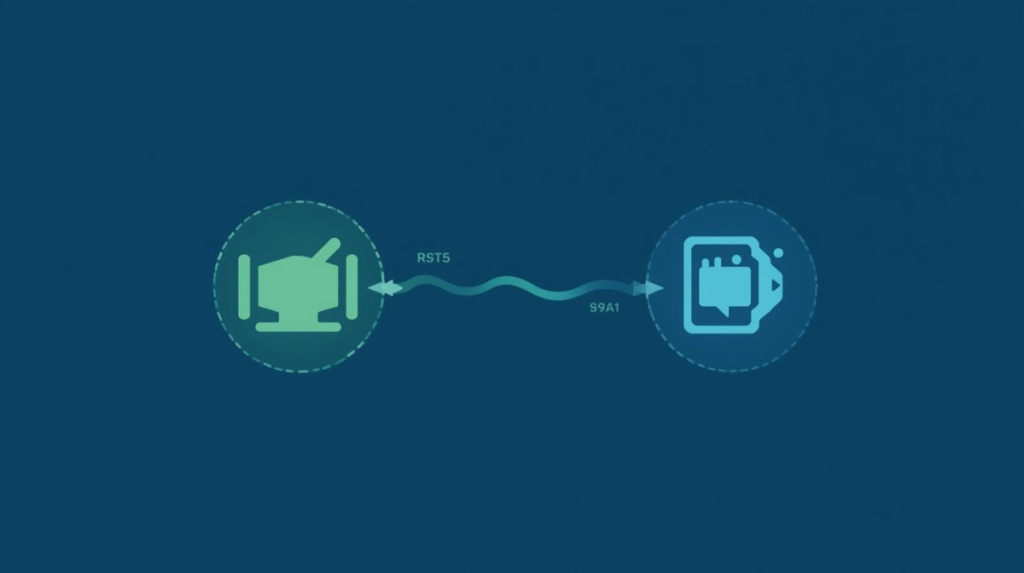
A serial connection only works when both devices agree on the same speed. When your computer and the FortiGate both use 9600 baud, communication flows cleanly. Mismatch them, and you get a blank screen or garbled text.
The full default console settings (not just the baud rate)
The baud rate gets all the attention, but it’s only one of five settings that have to line up. Here’s the complete default config for the FortiGate console port:
- Baud rate: 9600
- Data bits: 8
- Parity: None
- Stop bits: 1
- Flow control: None
Engineers shorthand this whole thing as “9600 8N1“ — and once you’ve set up a few devices, that string gets burned into your memory. Nearly every Cisco, Fortinet, and Juniper device you’ll meet uses some version of it, which is why it’s worth committing to memory rather than looking it up every time.
| Setting | Default Value |
| Baud rate | 9600 |
| Data bits | 8 |
| Parity | None |
| Stop bits | 1 |
| Flow control | None |
📌 Worth knowing: If your baud rate is correct but you’re still seeing garbage on screen, check the other four. A wrong parity or stop-bit setting causes the exact same symptoms as a wrong baud rate. People burn hours assuming it’s the baud rate when it’s actually flow control.
Why this tiny setting matters so much
Let me make this concrete, because “9600 vs 115200” sounds trivial until it isn’t.
Picture a fresh FortiGate 100F out of the box. An engineer plugs in the console cable, opens PuTTY, and… nothing. No boot messages, no prompt, just a black void. The instinct is to suspect the cable, then the port, then the device itself — escalating panic the whole way.
The actual problem? PuTTY was set to 115200 while the FortiGate was speaking at 9600. The moment the baud rate was corrected, boot text flooded the screen instantly. Nothing was broken. The two devices were just shouting past each other at different speeds.
This is why I always tell people: when console access fails, check the baud rate before you suspect anything physical. It’s the cheapest thing to rule out and the most common thing to be wrong.
Why Fortinet sticks with 9600
You might wonder why the default is a “slow” 9600 when the hardware can clearly go faster. It’s a deliberate choice, and a smart one.
9600 is the safe, universal handshake. It’s stable, it produces almost no transmission errors, and it’s compatible with virtually every terminal program ever written. For a setting whose entire job is “let me reliably reach this device when something has gone wrong,” reliability beats speed every single time.
You can push it higher — 115200 transfers data noticeably faster, which matters during things like firmware uploads — but higher speeds are more sensitive to cable quality and configuration, and a flaky high-speed connection is worse than a rock-solid slow one. For day-to-day console work, 9600 is the right default, and there’s rarely a good reason to change it.
What you need to connect: the cable
You can’t console in without the right cable. For the FortiGate 100F you’ll use one of two types:
- RJ45 to USB — the modern, common choice, since most laptops dropped serial ports years ago
- RJ45 to Serial (DB9) — for older machines or dedicated console servers that still have a serial port
A quick honest tip from experience: don’t cheap out on the cable. The bargain-bin ones often use unreliable USB-to-serial chips that drop connections or never get recognised by Windows at all. Expect to pay somewhere in the $10–$40 range, and treat a known-good cable as a permanent part of your kit. A bad cable produces symptoms identical to a baud-rate problem, and you’ll waste hours chasing a software issue that’s actually hardware.
Connecting Your Laptop to the FortiGate Console
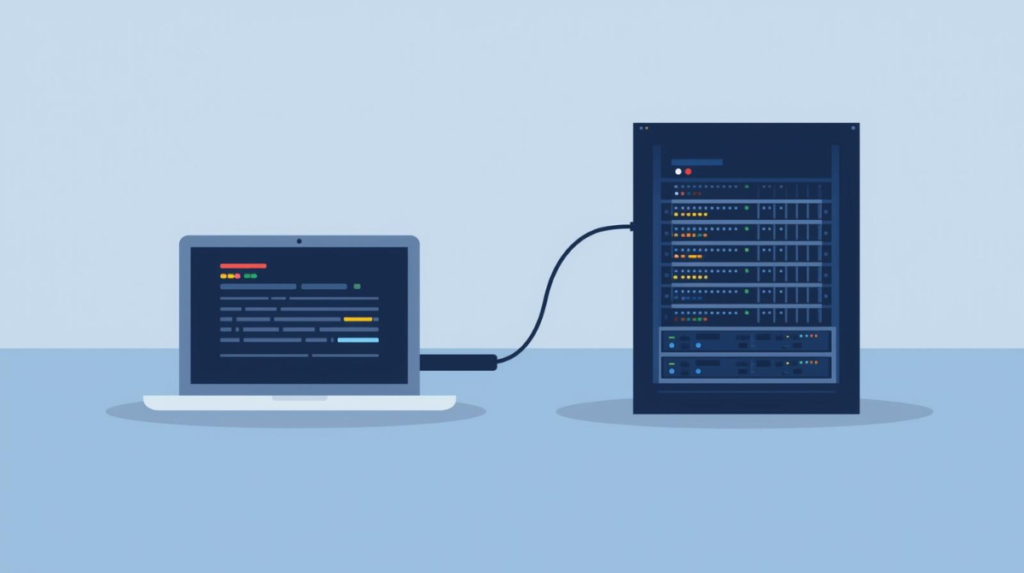
Console access starts with a physical connection — a console cable running from your laptop straight into the FortiGate’s console port. This direct link is your lifeline to the device, especially when network access isn’t available.
Connecting with PuTTY, step by step
Here’s the actual process, start to finish.
First, connect the cable — one end into the FortiGate’s console port, the other into your computer’s USB or serial port.
Then open PuTTY (download it from the official site if you don’t have it).
Now configure the serial settings to match the defaults exactly:
- Connection type → Serial
- Speed (baud) → 9600
- Data bits → 8
- Parity → None
- Stop bits → 1
- Flow control → None
Next, pick the right COM port. This trips people up constantly. Open Windows Device Manager, expand Ports (COM & LPT), and note the COM number assigned to your cable (e.g. COM3). Put that into PuTTY. If you’re not sure which one it is, unplug the cable, watch which entry disappears, plug it back in, and watch which one returns — that’s yours.
Finally, click Open and power on (or reboot) the firewall. If everything lines up, boot messages scroll past immediately. That stream of text is the sweet relief that tells you you’re in.
Watch: Connecting to a FortiGate Console (Step-by-Step)
If you’d rather see the process than read it, the video above walks through a live FortiGate console connection — plugging in the cable, configuring PuTTY, and getting that first boot screen. Watch it once, then use the written steps below as your checklist.
Changing the baud rate (and the mistake to avoid)
If you ever do need a faster speed — say, for quicker firmware transfers — you can change it from the CLI:
config system console
set baudrate 115200
end
⚠️ Don’t do this: The instant you change the baud rate on the FortiGate, you must change it in your terminal too — and it’s easy to lock yourself into a corner. If you set the device to 115200 and then disconnect before updating PuTTY, your next connection at 9600 shows nothing, and now you’re troubleshooting a problem you created. Change one side, immediately match the other, and verify before you walk away.
Honestly, for most people most of the time, leaving it at 9600 is the wise move. Only change it if you have a specific reason and you’re confident about both ends of the connection.
Factory reset: when it’s the right call
Sometimes the firewall needs a clean slate — a forgotten admin password, a configuration that’s gone sideways, or a troubleshooting dead-end where starting fresh is faster than untangling the mess.
From the CLI, the command is:
execute factoryreset⚠️ Caution: This wipes everything — every rule, every policy, every Customization. There is no undo. Always export a backup of your configuration first, even if you’re “sure” you won’t need it. The number of engineers who’ve run this command confidently and then gone pale ten seconds later is not small.
If you can’t get in via CLI at all (locked out, forgotten password), you can reset through the console by interrupting the boot process and selecting the factory-reset option from the boot menu — which, of course, requires your console connection to be working first. Which brings us right back to getting that baud rate right.
A few practical extras worth knowing
A couple of real-world details that come up often:
Power draw
is modest — the 100F sits around 20–30 watts when idle and climbs under load. That efficiency is part of why it’s a popular fit for small and medium businesses; it doesn’t demand special power planning.
Newer replacement models
exist if you’re looking to upgrade, offering better throughput, lower latency, and improved threat protection. But here’s the reassuring part: the console concept, the 9600 default, and the 8N1 settings carry over almost unchanged across the FortiGate line. Learn it once on the 100F and you’ve learned it for the whole family.
Troubleshooting: the four things that go wrong
When console access misbehaves, it’s almost always one of these:
Blank screen, no output.
Classic baud-rate mismatch. Set both sides to 9600 first.
Garbled or random characters.
Settings don’t match — verify the full 9600 8N1 string, not just the baud rate.
Console won’t connect at all.
Usually the wrong COM port. Check Device Manager and confirm which port your cable actually uses.
Nothing works no matter what.
Suspect the cable. Swap in a known-good one before you tear your hair out — a dead or flaky cable mimics every other symptom on this list.
Where the FortiGate Fits in Your Network

The FortiGate 100F sits at the edge of a network, filtering traffic and protecting everything behind it. Getting console access right is the first step to configuring and maintaining that protection.
The bottom line
If you take nothing else away: the FortiGate 100F default baud rate is 9600 bps, with full settings of 9600 8N1 and no flow control. Get that right, and console access becomes the easy, boring step it’s supposed to be. Get it wrong, and you’ll spend an evening fighting a problem that a single number would have solved.
Console work has a reputation for being fiddly, but it really comes down to discipline: match both sides, use a cable you trust, back up before you reset, and don’t change settings you don’t need to. Do that, and the FortiGate 100F is a genuinely pleasant device to manage.
The console port is your lifeline to the device when everything else fails — and a firewall is only one piece of a healthy, secure network. If you want the bigger picture on what these devices are actually protecting you from, it’s worth reading how firewalls protect networks from cyber attacks.
Frequently asked questions
What is the default baud rate for the FortiGate 100F?
9600 bps, with full console settings of 9600 8N1 (8 data bits, no parity, 1 stop bit, no flow control).
Why do I see garbled text instead of normal output?
Your settings don’t match the device. Even with the right baud rate, a wrong parity or stop-bit value produces garbled characters — verify the full 9600 8N1 string.
Can I change the FortiGate baud rate to something faster?
Yes, via config system console and set baudrate. But you must update your terminal to match immediately, or you’ll lose console access. For most users, leaving it at 9600 is safest.
My screen is completely blank — what’s wrong?
Most often it’s a baud-rate mismatch (set both sides to 9600), but it can also be the wrong COM port or a faulty cable. Rule them out in that order.
For more practical security and networking guides, explore our Networking and API Security sections.

Abdul Shakoor writes practical, defensive cybersecurity and networking guides for SentrixHub. He focuses on making API security, mobile app security, authentication, and network concepts simple for beginners and developers.